Getting started with Vidfora: take one idea from research to a clear brief
A focused first session in Vidfora: find relevant outliers, save references, develop an original promise, and prepare the next production step.
The quick answer
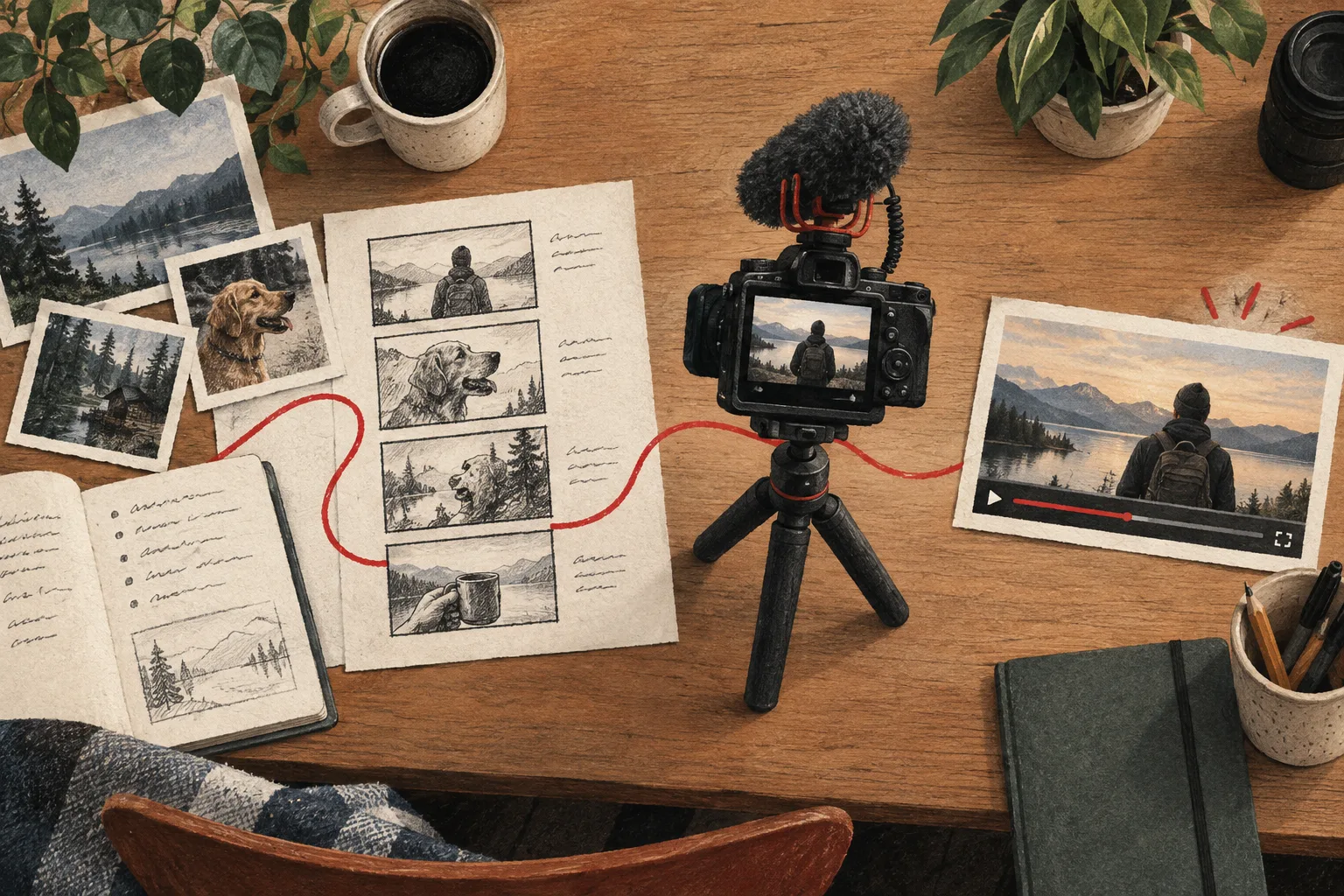
Start with one real video question. Use Outliers to find relevant examples, save a small research board, and develop an original promise in Video projects. Add titles and thumbnails when the evidence is clear. You do not need to use every tool in your first session.
In this guide
Bring one viewer problem
Choose a question your audience would recognize, such as improving audio in a small rented room. Write what the viewer should understand or be able to do after watching.
This gives the first session a finish line: a useful brief for one video. Exploring the whole product can come later. A focused task makes it easier to understand which tools help and which you do not need yet.
Find relevant examples in Outliers
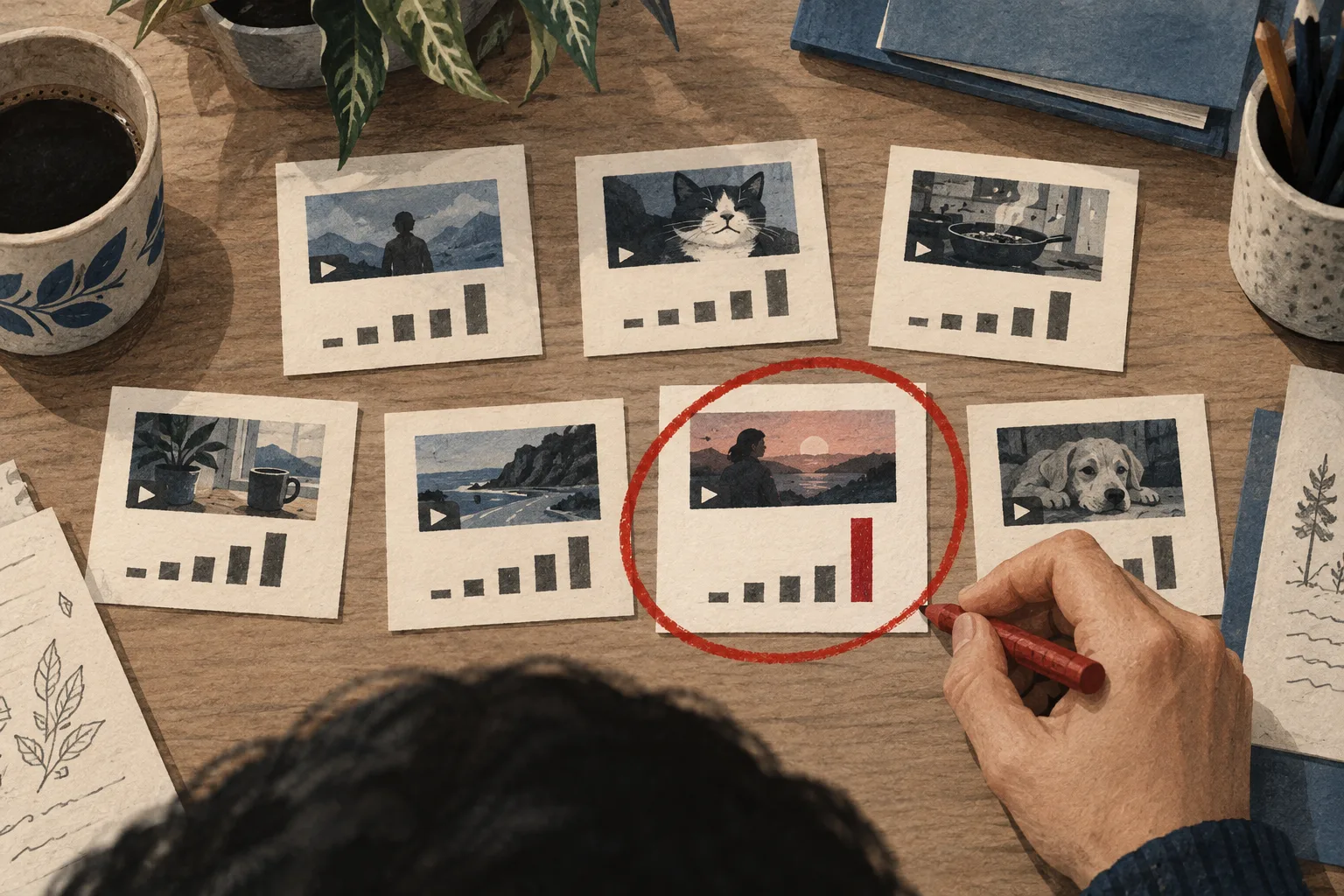
Open Outliers from the main navigation and research the topic or a related channel. Compare the video's relative result with its audience, format, and age rather than choosing only the biggest view count.
Read how the outlier score works if the multiplier is unfamiliar. It is a research signal based on a modeled channel baseline, not a promise that your own version will achieve the same result.
Open a few candidates and inspect what they actually deliver. Include at least one ordinary example that challenges your explanation of why the strongest video worked.
Save a small board
Use Saved boards to collect the references that support your next decision. Name the board after the project or problem so you can recognize it later.
Keep a short interpretation in your project brief: what each reference teaches you, what remains uncertain, and what your version will add. A saved video preserves the source; your note preserves the reasoning.
Develop the original premise
Write the viewer, promise, proof, and constraint. For the room-audio example, the original contribution might be matched tests of reversible changes using equipment you already own.
If you cannot explain what your video adds, return to the research. The goal is not to reproduce the reference's exact title or thumbnail. It is to answer the audience need with your own evidence and explanation.
Move into Video projects
Use Video projects to organize the video and develop the script. Start with the main questions and the demonstration plan before polishing every sentence.
Where your plan includes it, the Coach can help critique the premise, outline, or opening. Give it specific evidence and ask it to flag missing support. Free access, paid features, and usage allowances differ by tool; check the current feature and pricing details for your account.
Prepare the package
Draft a title that communicates the supported payoff. Build a thumbnail around the actual subject and proof, then inspect the pair in Thumbnail Preview.
A preview helps with clarity and readability. Audience testing, where eligible, happens separately in YouTube's native tools. Keep those stages distinct when interpreting the result.
Find specialist tools when you need them
The navigation groups everyday destinations first. More research tools includes channel analysis, channel browsing, thumbnail search, and audience insights. More creation tools exposes focused writing and packaging tools. Quick tools contains smaller upload utilities.
Use Find a tool to search directly, including familiar names such as Radar or Live Analyze. For you is the navigation entry for Radar's personalized research; its usefulness depends on the available channel context and plan.
End with a concrete next action
Your first session is complete when you can name the viewer, promise, proof, and next production task. That might be filming a test, writing the opening, or gathering one missing source.
Explore the feature overview when the next task requires more capability. Vidfora becomes easier to use when each tool enters the workflow to solve a clear problem, rather than every option competing for attention at once.
Common questions
Do I need to connect YouTube before researching ideas?
Not every workflow requires a connection. Public outlier research and planning are different from connected-channel analytics. Features that use your private channel information require the relevant authorization and availability.
Where did Radar and the smaller tools go?
Radar is accessible through For you and through tool search. Specialist research and creation tools are grouped under their expandable sections, while smaller utilities are under Quick tools. Their existing routes remain available.
Published by Vidfora, the product discussed in these guides. Examples are illustrative unless a source is named. Editorial approach · Suggest a correction