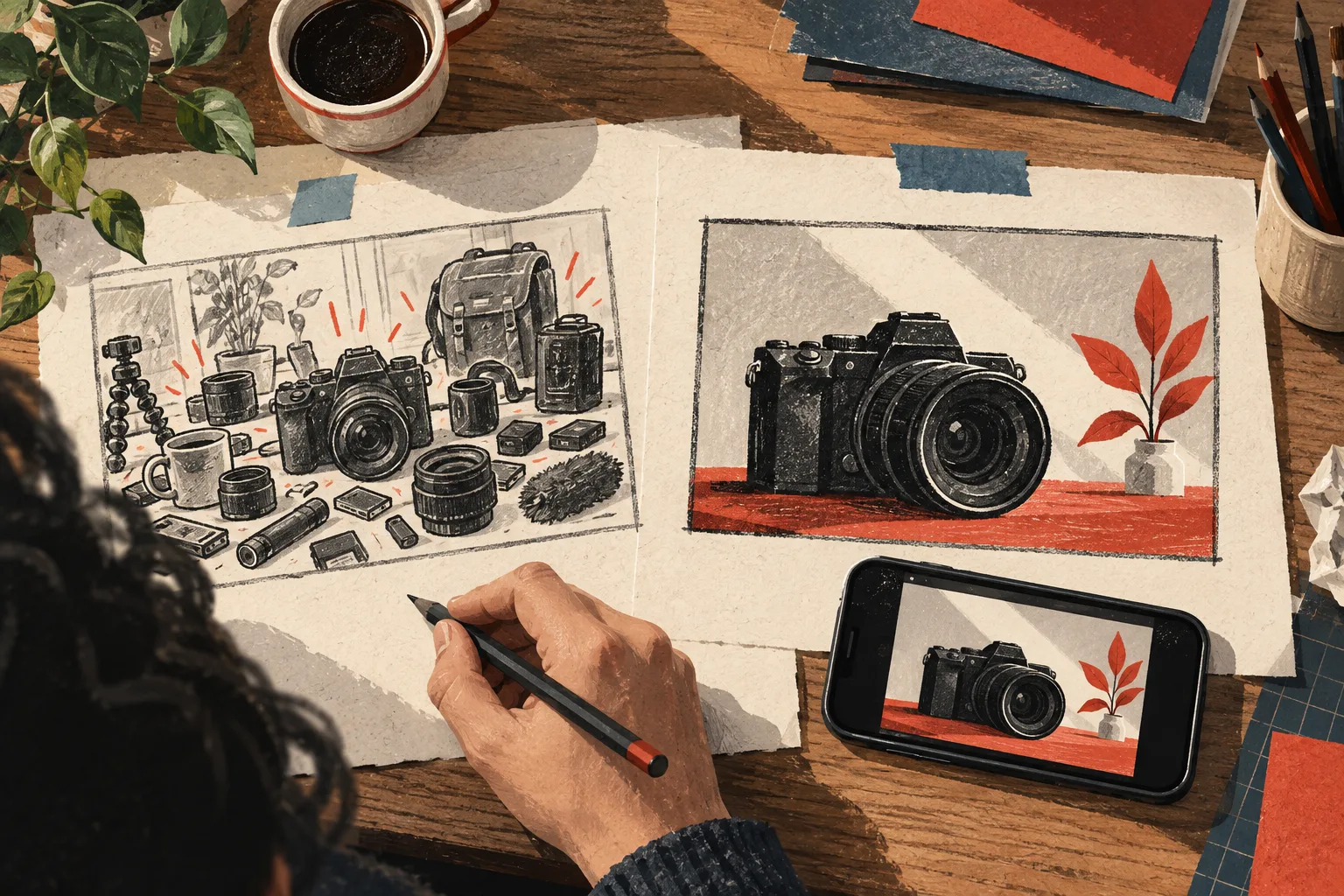
A YouTube production brief that keeps the whole video coherent
Use one practical document to align research, script, title, thumbnail, footage, and review criteria before production begins.
The quick answer
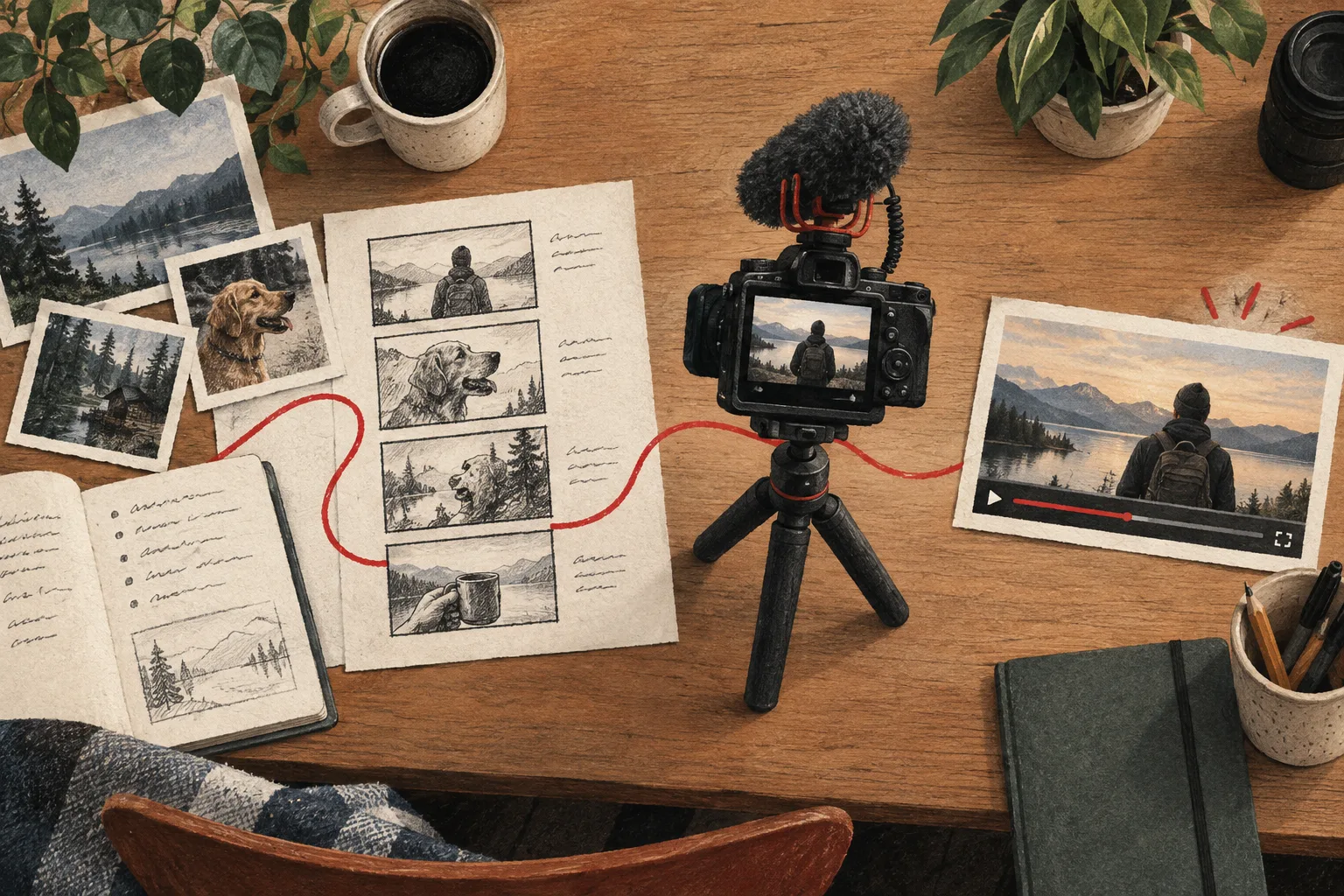
A production brief records the viewer, promise, supporting evidence, original contribution, required assets, and completion criteria. It keeps the script and packaging aligned and gives everyone working on the video a concrete basis for decisions and feedback.
In this guide
State the viewer and the promise
Begin with who the video serves and what they will gain. Avoid broad descriptions such as “people interested in productivity.” Name the situation and the problem that makes the video relevant.
Then write the promise in one sentence. The title and thumbnail may evolve, but the brief should make their intended meaning clear. If the promise changes substantially, update the brief rather than letting different contributors work from different assumptions.
Include the research decision
List the relevant references and explain what each supports. Include a short note on the strongest alternative explanation or remaining uncertainty.
A brief should not claim an idea is proven merely because an outlier exists. It should explain why the evidence makes the proposed work worth attempting and what original value your version will add.
Use this core template
| Field | What to include |
|---|---|
| Viewer | Situation, knowledge level, and practical constraint |
| Promise | The specific answer or experience delivered |
| Evidence | Sources, demonstrations, and relevant observations |
| Original contribution | New test, explanation, access, or perspective |
| Outline | Main questions in a useful sequence |
| Visual plan | Required footage, comparisons, and graphics |
| Packaging | Leading title-image concepts and their hypotheses |
| Limits | Claims to avoid and conditions to explain |
| Completion | What must be true before the video is ready |
| Review | What you intend to learn after publication |
Keep the document as short as the project allows, but do not omit the evidence merely to make it look tidy.
Work through a practical example
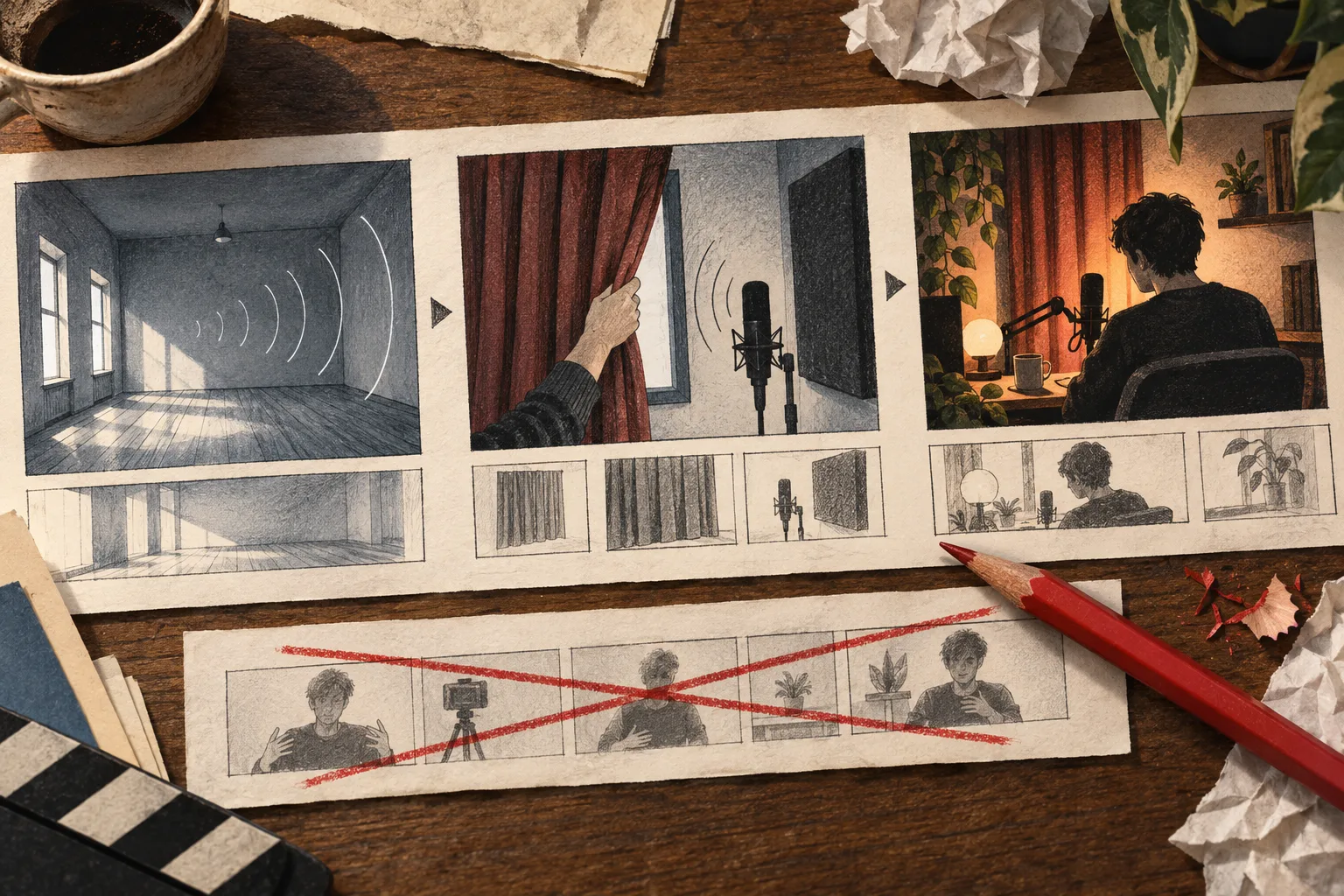
For a video about a fold-away recording desk, the viewer is someone sharing a room. The promise is a usable setup that can be cleared without rebuilding everything. The proof requires footage of the setup, recording position, and actual pack-away process.
The brief should prohibit implying that the room permanently stays empty or that the setup fits every desk. Packaging can emphasize the transformation, while the script explains the tradeoffs and conditions.
That level of specificity tells the person filming which shots are essential and tells the designer which visual claim is legitimate.
Define completion criteria
A useful final review checks that the promised demonstration exists, important claims are supported, audio and visuals are understandable, the title-thumbnail pair is accurate, and supporting links work.
Include project-specific conditions. A comparison may need matched test settings. A tutorial may need a verified step sequence. A story may need permission for a particular asset or a clear distinction between reconstruction and original footage.
Keep decisions attached to revisions
When feedback changes the script or package, record why. This prevents the project from circling through the same debate without new evidence.
Use the brief to resolve conflicting preferences. A visually dramatic thumbnail is not the right choice if it changes the promised audience or result.
Connect the brief to the workspace
Vidfora's Saved Boards hold the references, while the script and creation workflow support development. Keep the decision brief alongside the draft so the reasoning survives movement between tools.
A strong brief does not eliminate creativity. It makes the important constraints explicit so creative effort can focus on delivering a clear, original, and useful video.
Common questions
Does a solo creator need a production brief?
A short brief can be especially useful when you return to a project across several sessions. It preserves decisions and reduces the need to reconstruct why you chose the idea.
How long should the brief be?
Long enough to explain the audience, promise, evidence, and production requirements. Many straightforward videos can use a compact document; complex tests or collaborations need more detail.
Published by Vidfora, the product discussed in these guides. Examples are illustrative unless a source is named. Editorial approach · Suggest a correction