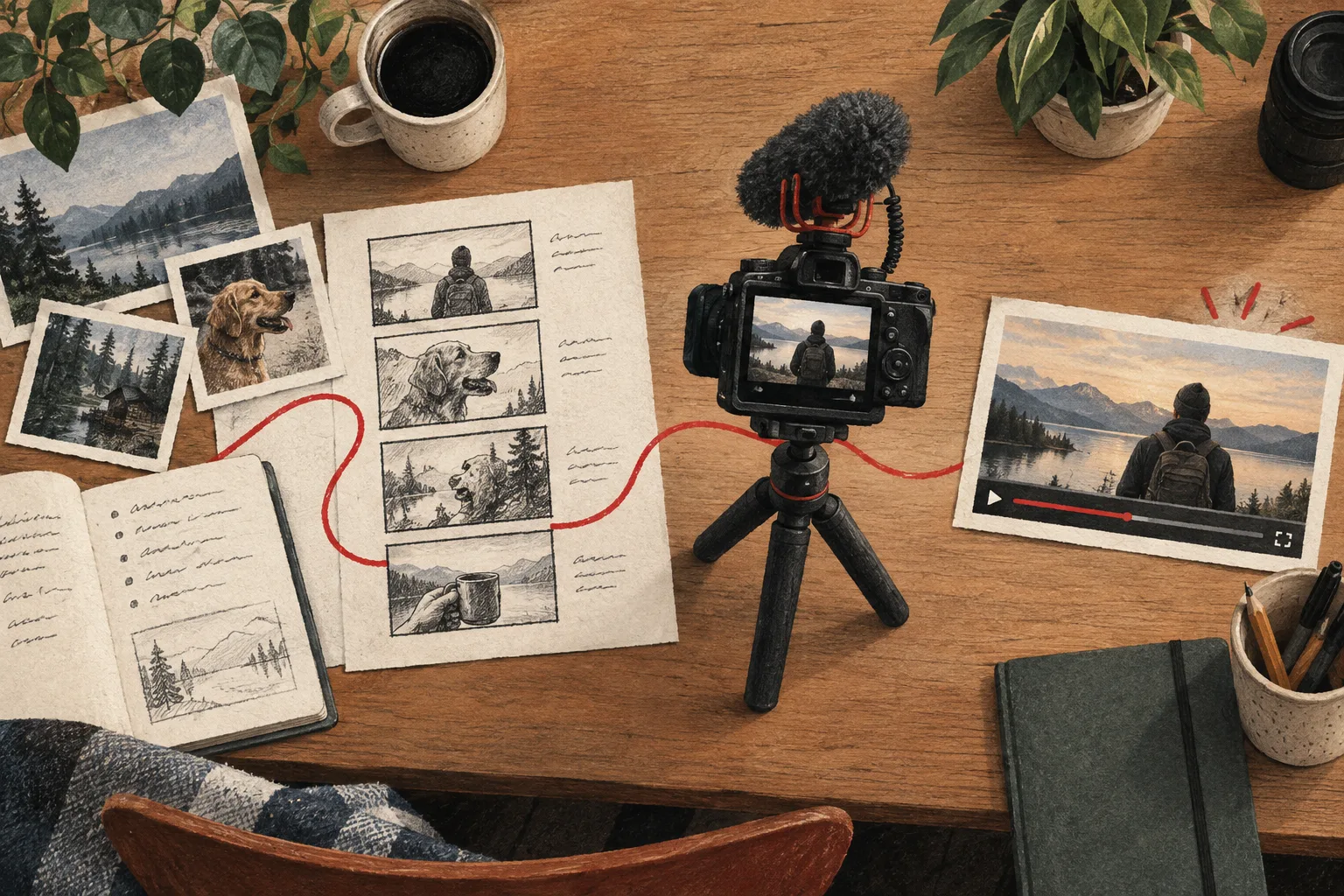
A YouTube description template that helps viewers use the video
Write descriptions with a clear summary, relevant resources, accurate chapters, and one useful next step instead of a wall of keywords.
The quick answer
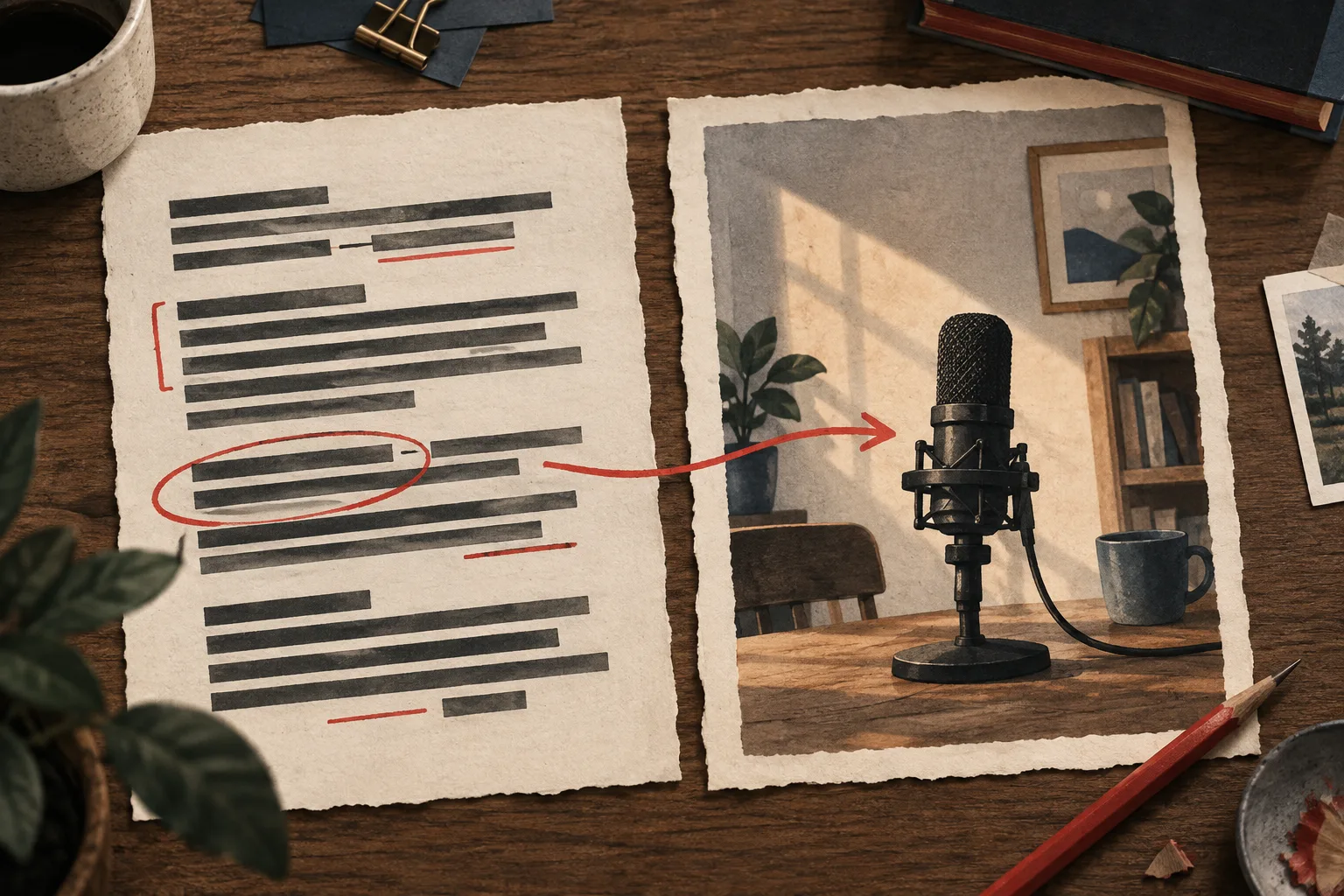
A useful video description starts with a concise explanation of the video's value, then provides resources, chapters when appropriate, and a relevant next step. Keep claims accurate, links organized, and the text specific to the upload rather than repeating a generic keyword block.
In this guide
Write the opening for a person
The first lines should explain what the video helps the viewer do and any condition that matters. For a recording tutorial, say what setup is demonstrated and whom it is for. Do not begin with a long list of social links before explaining the actual video.
YouTube's description guidance is a useful primary reference for current recommendations. Your practical goal is a description that makes the video easier to understand and use.
Use this adaptable structure
- A short summary of the promise and the demonstrated result.
- Important requirements or limitations.
- Resources mentioned in the video.
- Chapters for useful navigation, where appropriate.
- One related next video or practical action.
- Relevant disclosures and channel information.
Not every upload needs every section. A concise visual experiment may need fewer resources than a detailed software walkthrough. Add structure because it helps the viewer, not because a template contains an empty field.
Work through an example
For a video about improving audio in a rented room, the opening might read:
Compare three reversible changes to a small recording room using the same microphone and settings. The video includes untreated and treated samples so you can hear the differences before deciding what to try in your own space.
The next lines could identify the microphone, the room dimensions if relevant, and links to the materials actually used. If the result depends on a particular setup, explain that limitation rather than claiming every room will respond the same way.
A related next step might be a microphone-placement guide. A dozen unrelated links would make that useful path harder to find.
Make chapters accurate
Chapter labels should describe the work at each point: test setup, untreated sample, first change, comparison, and limitations. Avoid vague labels such as “amazing secret” when the viewer needs navigation.
Generate timestamps only after the edit is stable, then verify them against the exported video. Consult the current YouTube chapter requirements when formatting the description. A timestamp generator can help with structure; it does not verify that the label matches the footage.
Audit links and claims
Open every resource link before publishing. Confirm that it leads to the intended page and that any product or download described is actually available. Keep sensitive or private working documents out of the public description.
Review any numerical claim, outcome, or quoted statement. The description should not add stronger claims than the video supports. If you later update a resource, revise the relevant line rather than leaving viewers with a dead end.
Use generators as drafting help
Vidfora's description generator and timestamp generator can reduce repetitive drafting. Supply the actual video content and inspect the result for invented resources, inaccurate chapters, and generic promises.
A finished description should feel like a useful companion to this specific upload. If you could paste it under any video on the channel without changing much, it probably needs more attention to the viewer's actual task.
Common questions
Should I repeat keywords throughout the description?
Use relevant language naturally to explain the video. Repetition that makes the description harder to read is not a substitute for a clear subject, accurate summary, and useful resources.
Can I generate chapters before editing?
You can draft the section names early, but final timestamps must match the finished video. Verify every chapter after the edit is locked.
Published by Vidfora, the product discussed in these guides. Examples are illustrative unless a source is named. Editorial approach · Suggest a correction