A YouTube creator workflow from research to the next useful lesson
Connect idea research, a clear brief, packaging, scripting, production, and review so you stop rebuilding context at every stage.
The quick answer
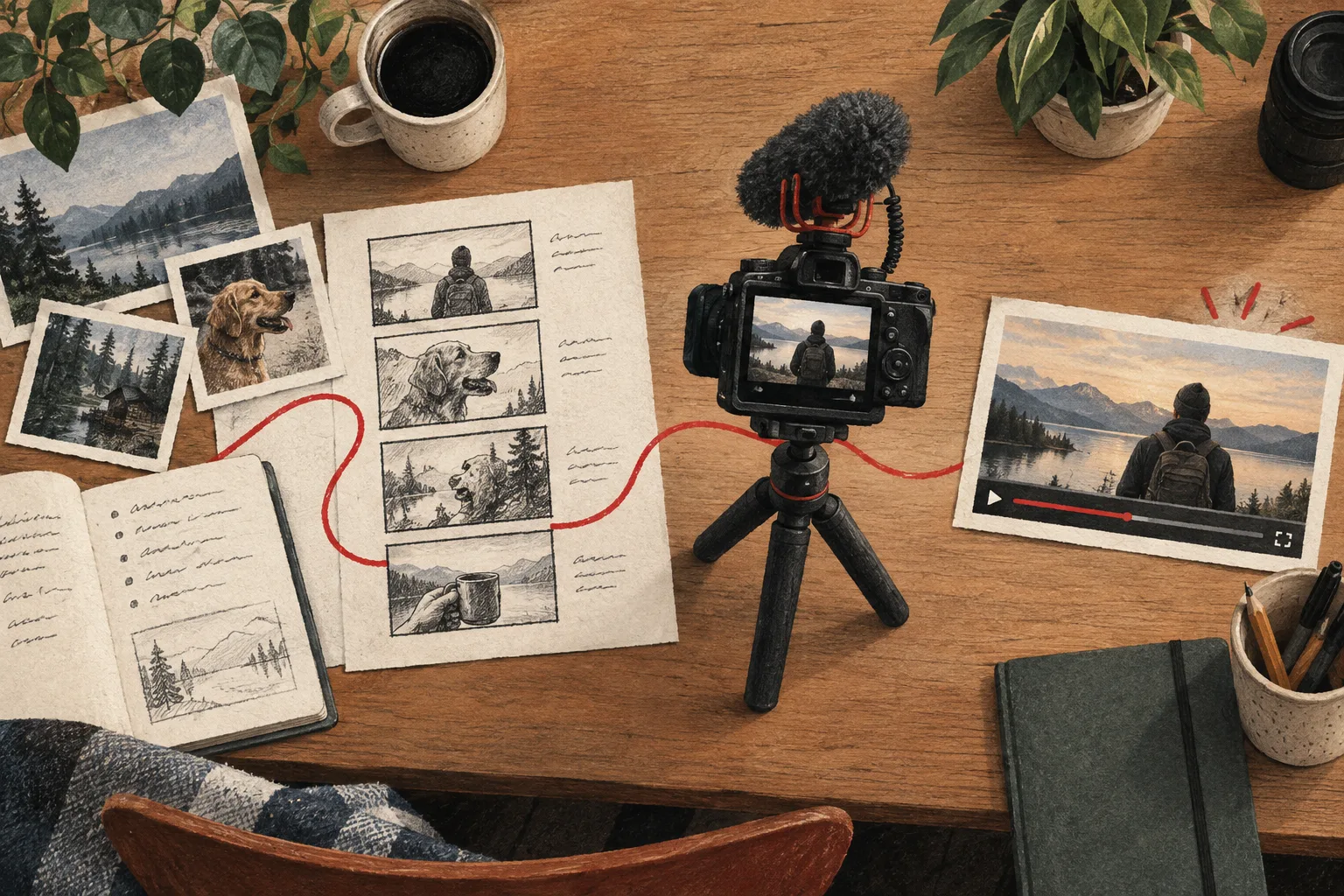
A complete creator workflow moves from a viewer problem to research, a brief, packaging, script, production, and review. Preserve the evidence and decisions between stages so each tool contributes to the same video rather than creating disconnected outputs.
In this guide
Start with a question worth answering
Write the viewer's problem before opening a generator. “What should I make?” is too broad for most tools to answer usefully. “How can a beginner improve spoken audio in a rented room?” gives the research direction.
Define the intended outcome and production constraints. This makes it easier to reject impressive references that require a different audience, budget, or level of access.
Research with a stopping condition
Find relevant examples, inspect unusual and ordinary results, and record what remains unanswered. Stop when you have enough evidence to choose a premise and identify the proof you need.
Use Vidfora's outlier research to surface candidates and Saved Boards to keep a focused reference set. The purpose is a decision, not an ever-growing collection.
Create the brief that travels with the project
Keep the viewer, promise, evidence, original contribution, constraints, and open questions together. Link the references that explain actual decisions.
This brief is the bridge between research and creation. Without it, a title generator, script assistant, and designer may each solve a slightly different problem and produce a package that does not fit together.
Develop packaging before filming everything
Draft title-thumbnail concepts that accurately describe the planned payoff. This can reveal missing proof or required shots while you can still capture them.
The package remains provisional until the evidence is complete. If a test produces a different result, revise the promise rather than forcing the footage to support the original dramatic idea.
Write around the demonstration
Plan the opening, setup, main sequence, interpretation, and next step. Include what appears on screen as well as what you say. Check factual claims and mark unresolved questions before recording.
Vidfora's Video projects and Coach support developing the project and script. Use AI for specific drafting or critique tasks, while keeping the evidence and final judgment under your control.
Produce and review the actual experience
Film the essential proof, then gather supporting material. During editing, preserve the relationship between the promise and the result. Remove repeated setup and confusing detours without cutting necessary context.
Preview the title-thumbnail pair at realistic sizes. Verify resources, chapters, and other supporting information against the finished video. A polished production can still fail the basic clarity check if its package promises something different.
Publish, observe, and retain the lesson
Choose review points that fit the video's purpose. Compare the result with the original hypothesis and note what remains uncertain. End with a specific decision for the next project.
Do not treat the workflow as automatic publishing or guaranteed growth. Filming, editing, uploading, and audience response still require real work and judgment. The benefit of a connected workspace is that the evidence and decisions are easier to preserve across those tasks.
A useful workflow reduces repeated administration and makes the next action obvious. It should leave you with more attention for the part only you can contribute: a worthwhile question, honest evidence, and a clear explanation.
Common questions
Do I need one tool for the entire workflow?
No. Specialized tools can work well together. The important requirement is preserving the brief, evidence, and decisions between them so the video remains coherent.
What should I automate first?
Start with repetitive administrative or drafting work that you can verify easily. Keep idea selection, factual claims, evidence interpretation, and final creative judgment explicit.
Published by Vidfora, the product discussed in these guides. Examples are illustrative unless a source is named. Editorial approach · Suggest a correction