One-click set
Type your topic and get up to 15 hashtags instantly, no keyword research, no manual formatting, just copy and paste onto your next upload.
Type a topic and get up to 15 clean CamelCase hashtags built for YouTube's rules, toggle off the ones that don't fit, then copy the set straight into your title and description.
Free plan · Included free, no credit card required.
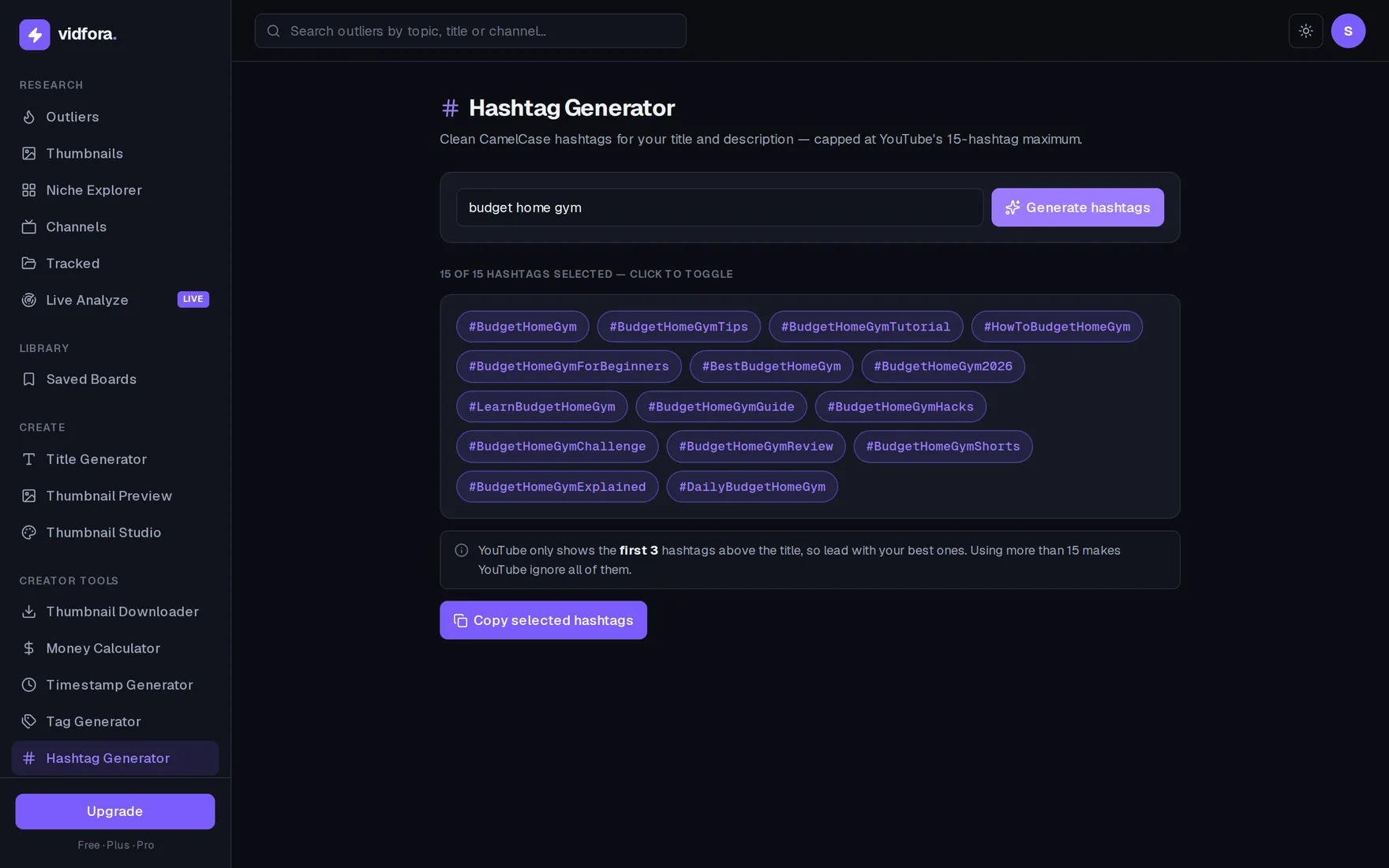
Type your topic and get up to 15 hashtags instantly, no keyword research, no manual formatting, just copy and paste onto your next upload.
Capped at YouTube's 15-hashtag max so your tags never get ignored, with a reminder that only the first 3 show above your title.
Click off any hashtag that doesn't match your niche, then copy only the ones you want in clean, consistent CamelCase.
Drop in what your video is about, like "budget home gym", no keyword list or account needed to start.
vidfora builds up to 15 CamelCase hashtags around your topic, from Tutorial and Guide to Shorts and 2026, capped at YouTube's limit.
Click off anything that doesn't fit your niche, then copy the selected set straight into your title or description.
YouTube treats more than 15 as spam and ignores all of them, so the generator caps you at 15. Only your first 3 show above the title, so lead with your strongest.
They help viewers find related content and reinforce your topic, but they won't rescue weak packaging. Real breakouts come from the title, thumbnail, and idea, which is what the rest of vidfora helps you research.
It's free, one of vidfora's built-in creator tools. The paid plans add the outlier research and live analysis that surface videos which genuinely overperformed their own channel, so you can reverse-engineer proven ideas.
Start
Join creators using vidfora to research outliers and package videos that win the click.
No credit card required