Notes in, chapters out
Type one line per chapter, time, then label, and get a clean, correctly formatted block ready to paste straight into your description.
Type one line per chapter, time first, then the label. vidfora sorts them, checks them against YouTube's chapter rules, and hands you a clean block to paste into your description.
Free plan · Included free, no credit card required.
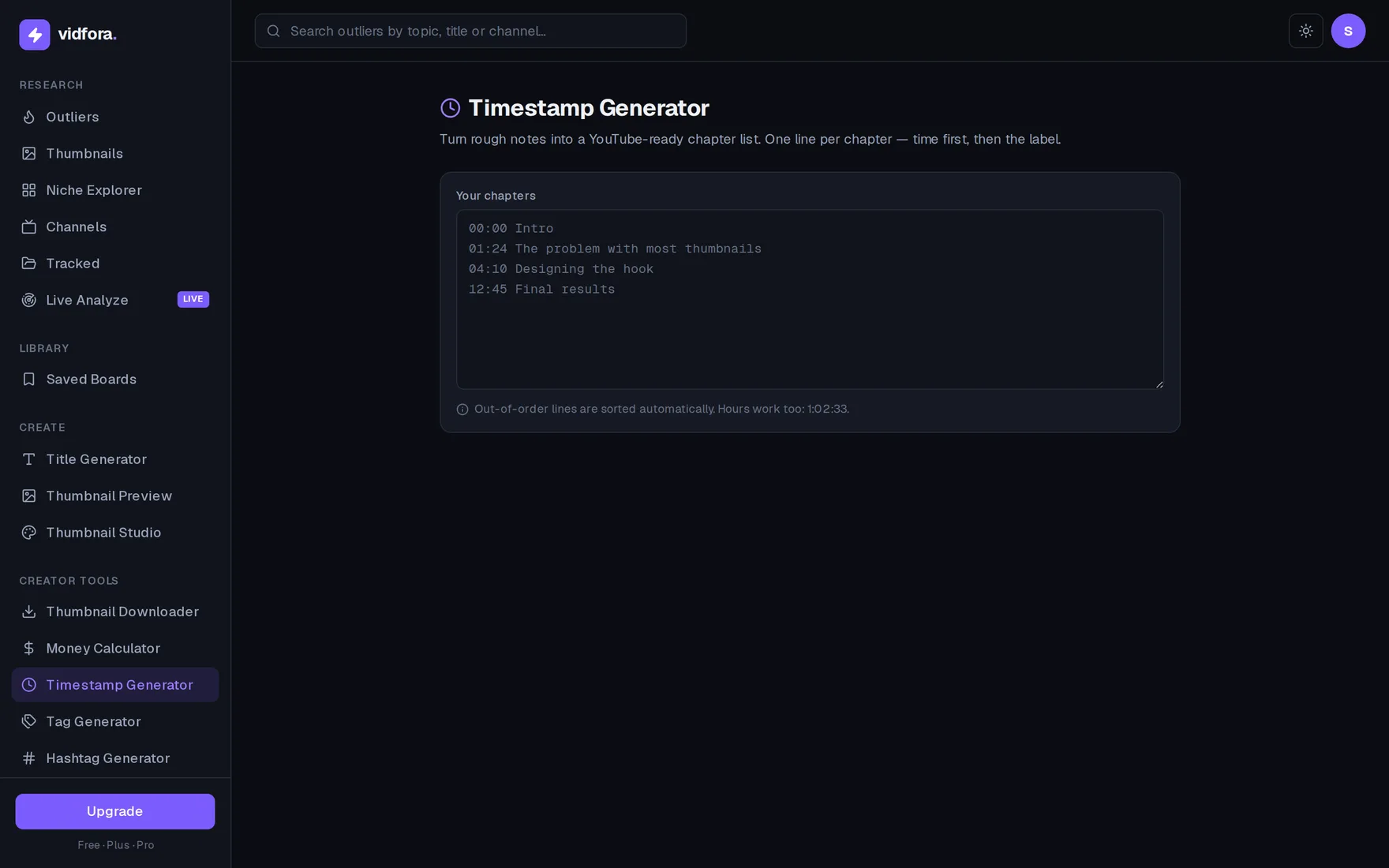
Type one line per chapter, time, then label, and get a clean, correctly formatted block ready to paste straight into your description.
Flags the missing 00:00 start, the three-chapter minimum, and any malformed line, and adds the 00:00 intro in one click.
Jot timestamps in any order and they sort themselves. Hours are supported, and a live preview shows each chapter before you copy.
Drop one line per chapter, the time first, then the label. Order doesn't matter, and hours like 1:02:33 are fine.
Lines sort by timestamp, formatting is normalized, and anything that breaks YouTube's chapter rules gets flagged inline.
Grab the ready block and paste it; YouTube turns each line into a clickable chapter with a segmented seek bar.
One chapter per line, time first then the label, like "01:24 The hook". Both mm:ss and h:mm:ss work, so long videos are covered.
YouTube only enables chapters when the first one starts at 00:00, you have at least three chapters, and each is 10+ seconds long. The tool warns you about each of these before you paste.
No. Out-of-order lines are sorted automatically by timestamp, so you can jot them down in whatever order you spot them while editing.
Start
Join creators using vidfora to research outliers and package videos that win the click.
No credit card required