An AI thumbnail workflow that keeps the idea and evidence intact
Use AI to explore visual concepts while controlling the promise, source assets, factual accuracy, and final mobile readability.
The quick answer
Use AI thumbnail generation after defining the viewer promise and gathering the real visual evidence. Generate distinct concepts, inspect details carefully, and refine the result in an editor. AI can accelerate exploration, but it cannot decide whether the image honestly represents your video.
In this guide
Start with a concept brief
Describe the viewer, the subject, the intended contrast, and the title's role. For a compact-workbench video, the key idea might be the difference between a crowded storage corner and a usable fold-away setup.
Gather your own photos of the actual bench, tools, and result. If the video depends on a specific product or physical arrangement, those details should remain accurate. A visually persuasive invented object is still the wrong evidence.
Ask for strategic variation
Generate concepts that differ in communication: problem-led, result-led, or comparison-led. Avoid spending the first round on small decorative changes before deciding what the image should say.
A useful instruction might specify a clear main subject, a quiet background, room for a short label, and no invented product markings. Include the constraints that matter to the promise, such as the real room size or the actual equipment shown.
Inspect the output as an editor
Check hands, tools, text, logos, product shapes, and physical relationships. More importantly, check whether the image implies a result the video does not show.
For a repair video, an AI-generated “after” image can easily look more complete than the actual repair. Use the real outcome as the reference and reject misleading embellishments. Visual plausibility is not the same as factual accuracy.
Separate concept art from final proof
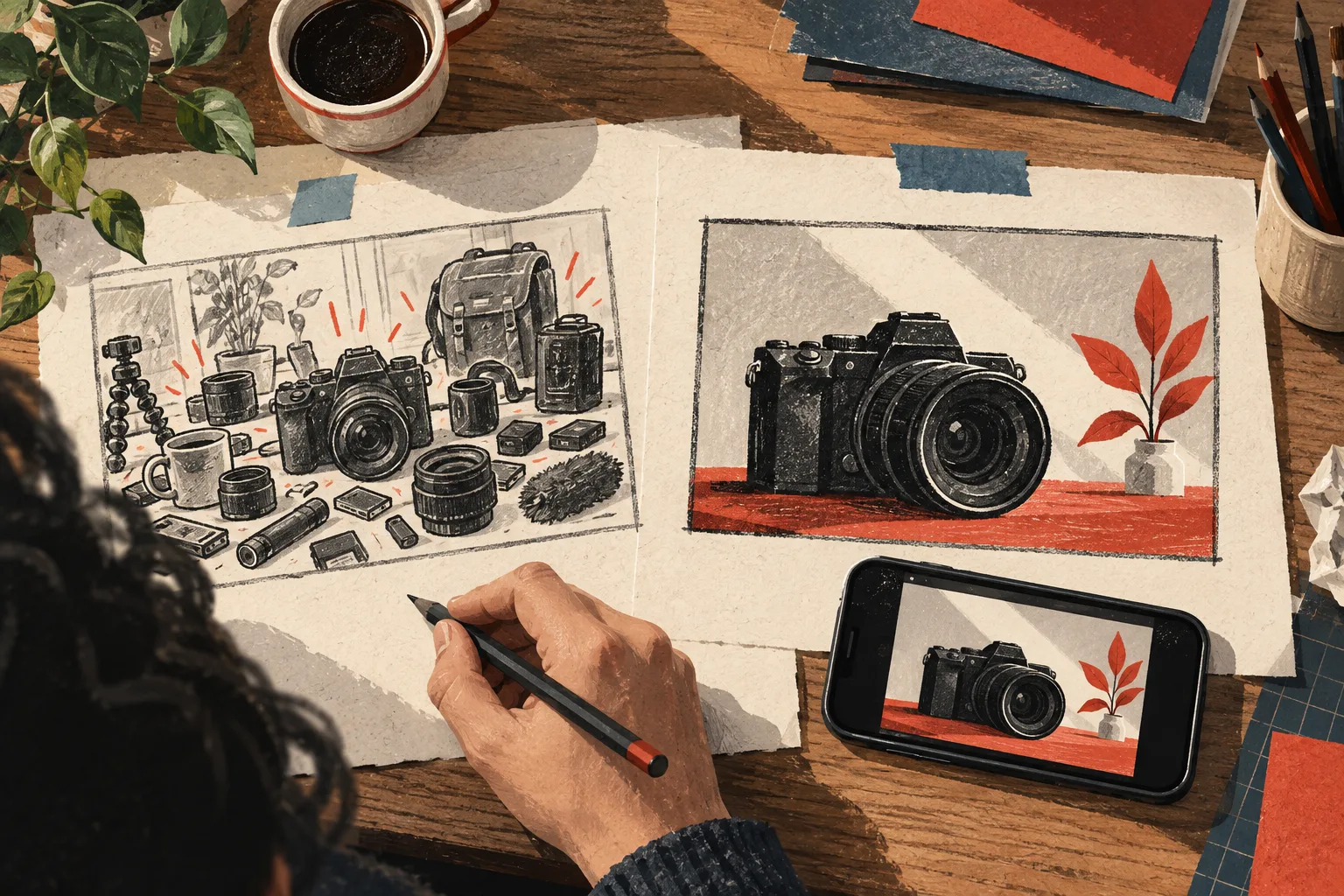
An AI draft can help you discover a composition worth photographing. You may use it as a planning reference, then create an original shot that accurately captures the subject. This can be more useful than trying to force a generated image to preserve every essential detail.
If the thumbnail is intentionally illustrative, make sure the illustration does not create a false factual claim about a real event, person, or product. The audience's likely interpretation matters more than your private label for the asset.
Refine the design deliberately
Use an editor to establish hierarchy, correct text, adjust crops, and remove unnecessary elements. Do not keep every generated detail simply because it looks polished.
Review the title-thumbnail pair. A generated image may suggest a more dramatic story than the script delivers. Either choose a more accurate concept or improve the actual production evidence; do not rely on the title to quietly undo a misleading image.
Preview before testing
Inspect the final design in realistic feed contexts and on a small screen. Check subject recognition, comparison clarity, and essential text. AI often adds detail that looks impressive at full size but becomes noise in a thumbnail.
Vidfora's Thumbnail editor supports design and available AI image workflows, while Thumbnail Preview helps evaluate the package in context. Generation access and allowances depend on the current plan and configuration.
Preserve the learning
Keep the chosen concept, the rejected alternatives, and a short reason for the final decision. If an actual audience experiment follows, connect the result to the hypothesis you tested.
The useful workflow is not “generate until something looks viral.” It is define, explore, verify, refine, preview, and learn. AI saves effort when it helps you reach a clearer honest concept, not when it replaces the judgment that makes the video trustworthy.
Common questions
Can AI generate the final thumbnail without editing?
Sometimes an output may be usable, but it still needs review for accuracy, rights, readability, and the promise it implies. Treat generation as a draft process even when the image looks finished.
Should I generate fake before-and-after results?
No. A thumbnail presenting a factual transformation should reflect what the video actually demonstrates. Use your real evidence or an illustration that does not misrepresent the outcome.
Published by Vidfora, the product discussed in these guides. Examples are illustrative unless a source is named. Editorial approach · Suggest a correction